

PromptLayer webhooks let your systems react to workspace changes so you can keep prompt caches fresh, trigger CI/CD or GitOps workflows, sync external systems, and monitor asynchronous jobs without polling. For event names and payload details, see Events.Documentation Index
Fetch the complete documentation index at: https://promptlayer-claude-nice-fermi-nop3f.mintlify.app/llms.txt
Use this file to discover all available pages before exploring further.
Configuring a Webhook
To set up a webhook, go to the Webhook section in the Settings page. Enter the URL of the endpoint you want to send the webhook to and click Submit.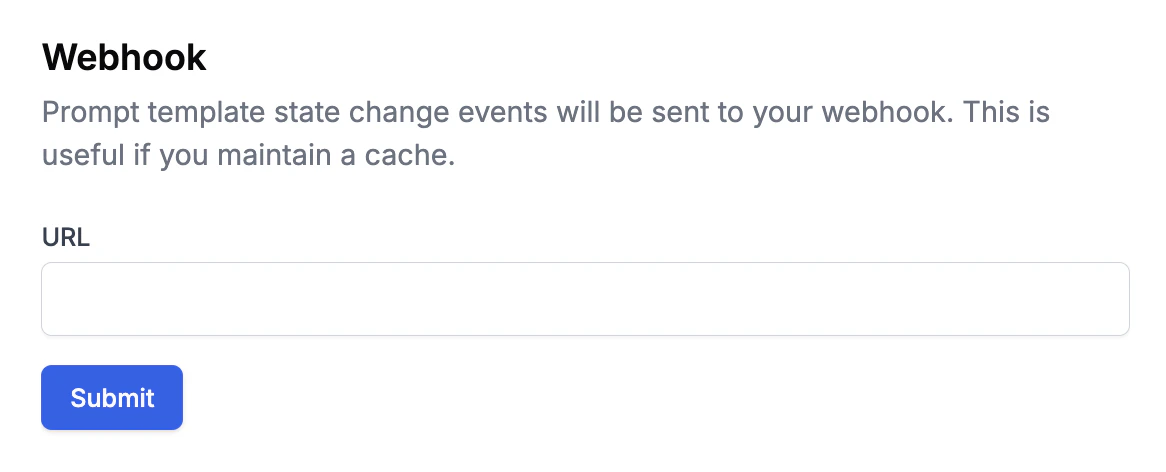
Securing Your Webhook
When you create a webhook, you’ll receive a webhook secret signature that looks like this: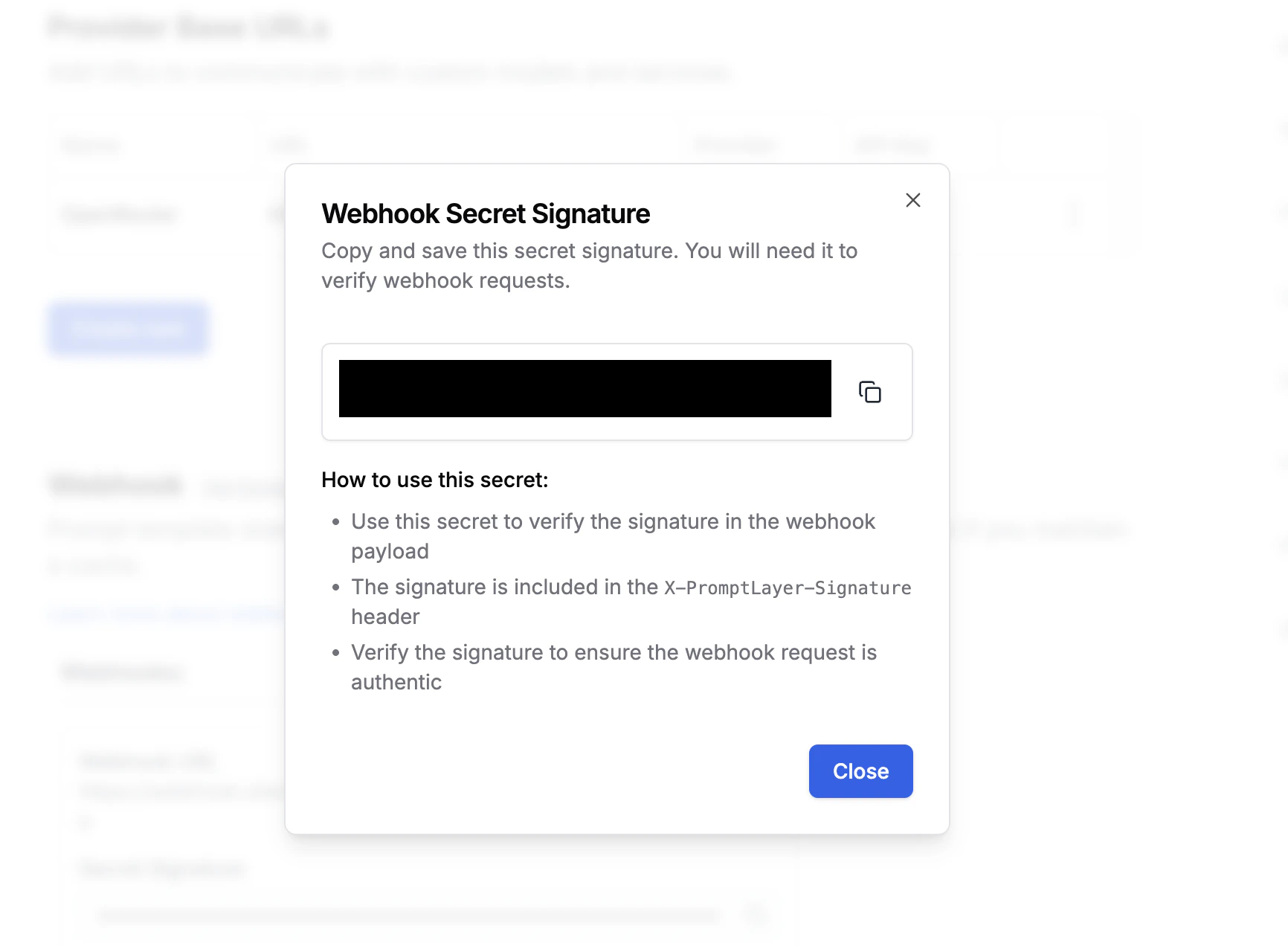
X-PromptLayer-Signature header of each webhook request.